Beginning Playdate Development
Playdate⌗
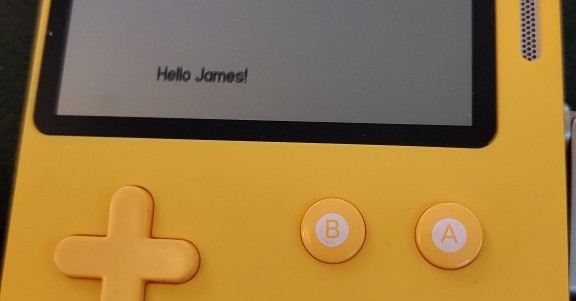
I was gifted a Playdate Handheld console a couple of years ago but didn’t do much with it until now. Got the urge to do something creative again so here’s the behinning of my escapades trying to do something with it. More info about the Playdate on the official site.
Starting out⌗
The official docs give a good intro to developing games for the console - a comprehensive SDK with good documentation is provided. Most devs seem to use VSCode as their IDE but I wanted to go back to basics a bit more. I chose Geany to start with, lets see how I get on. It’s pretty much a text editor with support for projects and calling external toolchains for make/execute.
Configuration⌗
It’s probably about 20 years since I’ve set up a development pipeline and toolchain by myself, but a couple of hours work got everything configured. I started by very slightly modifying one of the sample programs that came with the Playdate SDK.
Build settings⌗
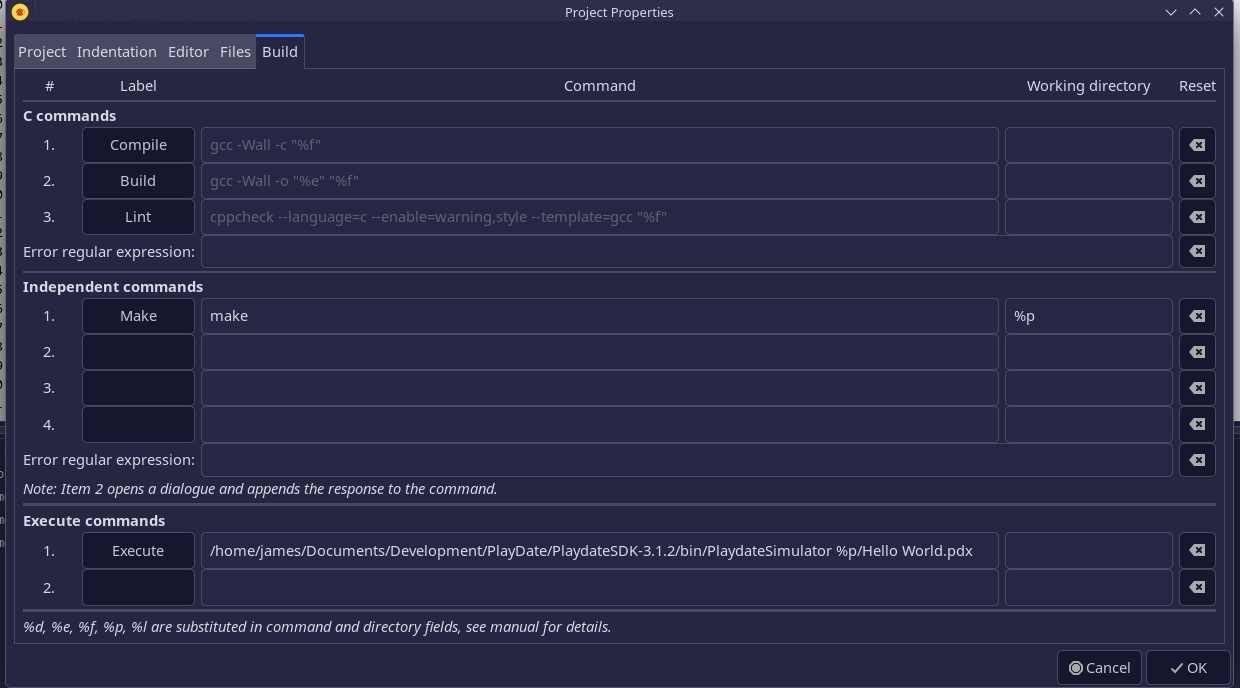
Here’s the build settings I’m using to call make to build one of the example projects.
- Setting “Make” to call “make” with “%p” to specify the root project folder as the working folder.
- Setting “Execute” to call the installed location of the Playdate Simulator with the build output as a parameter.
- I’m not using the “Compile” options at the moment, the project is small enough to let the makefile do all the work.
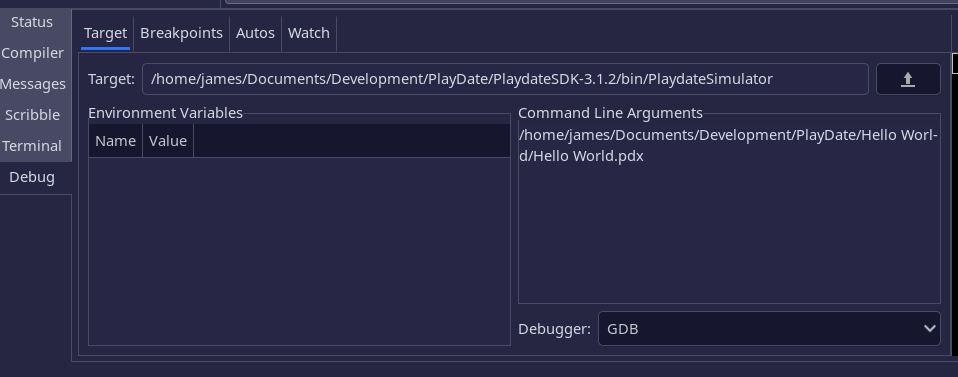
Here’s the debugger settings I used - I was suprised how easy it was to attach GDB to a running Playdate program.
- Just needed to set the Playdate Simulator as the target, with the built output as a parameter.
It works⌗
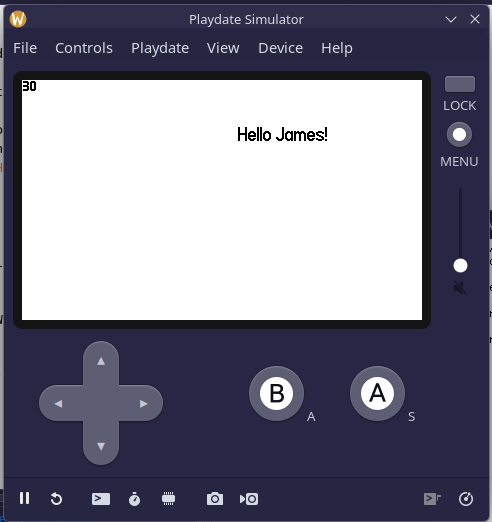
Something of a sigh of relief when everthing came together - the project builds and runs on the Playdate Simulator.
What now?⌗
Okay, now to decide what to make for a first project…